The limits LinkedIn actually publishes
LinkedIn has several connection limits, and only some of them come with a number.
| Limit | What LinkedIn says | Number published? |
|---|---|---|
| Total connections | Up to 30,000 first-degree connections | Yes, 30,000 |
| Followers | No cap on who can follow you, or who you follow | Yes, unlimited |
| Invitations sent | Every member, Basic or Premium, has a limit | No |
| Personal notes on invitations (free) | Five a month on one help page, three on another | Yes, but the pages disagree |
| Personal notes on invitations (Premium) | A note on every request | Yes, unlimited |
| Note length | Up to 200 characters | Yes |
| Re-inviting after a withdrawal | Blocked for up to three weeks | Yes |
The sources are LinkedIn’s network size limit, invitation limit reached, types of restrictions for sending invitations and personalized invitations pages, all read on 6 November 2026.
The weekly invitation limit has no official number
Search for the LinkedIn weekly limit and you will see “about 100 invitations a week” again and again. Some pages say 100 to 200, others 150 to 250. None of those numbers come from LinkedIn.
LinkedIn’s own help pages say only that a limit exists and applies to every account, including Premium. They describe what triggers it rather than a count:
- sending many invitations in a short amount of time
- invitations that are ignored, left pending or marked as spam
- signs that an automation tool is sending them
The triggers matter more than any number. Two accounts can send the same number of invitations in a week and get different results, because one is inviting people who accept and the other is inviting strangers who ignore it.
What happens when you reach the limit
You will not be able to send new invitations until the restriction lifts. LinkedIn describes three levels:
| Situation | LinkedIn’s advice |
|---|---|
| First restriction | Wait a few hours, then try again |
| Several restrictions in one day | Wait a few days, then try again |
| Too many outstanding invitations | Wait up to one month before sending another |
LinkedIn does not say how many outstanding invitations counts as too many.
The two help pages put the wait differently. The invitation-limit page says a restriction typically lasts one week, and the restrictions page says most are lifted automatically within a week, sooner for a first one. Plan for a week and try again earlier if you like. LinkedIn cannot remove a restriction on request. You cannot buy more invitations while you are restricted, and LinkedIn Support will not tell you which type of restriction you have.
An invitation limit is not the same as a restricted account. If LinkedIn has restricted the whole account, the notice and the recovery steps are different. Our page on a restricted LinkedIn account covers that case.
Withdrawing pending invitations does not reset it
A common tip is to withdraw old pending invitations to free up room. LinkedIn’s invitation-limit page says plainly that withdrawing pending invitations will not remove a restriction you already have.
Withdrawing still has a use before you reach a limit. LinkedIn lists a large backlog of outstanding invitations as one cause of a restriction, so clearing requests nobody has answered in weeks keeps that backlog small. Remember that a withdrawn invitation may block you from inviting the same person again for up to three weeks.
We would not withdraw in bulk the day you get restricted. It will not end the wait, and it closes the door on people who might still have accepted.
The better habit is the one that keeps you away from the limit in the first place. Clear invitations nobody has answered in a few weeks, spread your requests out instead of sending them in one sitting, and invite people likely to recognise why you are writing.
Personalized notes: three or five a month
Free LinkedIn members can only add a personal note to a few connection requests each month. The exact number depends on which LinkedIn page you read. The invitation-limit page says five a month. The page about personalized invitations says three. Both were live on 6 November 2026.
Plan for three if you are on a free account. Premium members can add a note to every request, and every note is capped at 200 characters whichever plan you are on.
Running out of notes does not stop you inviting people. You can still send a connection request without a note.
The 30,000 connection cap
The total cap is the one hard number. LinkedIn members can have up to 30,000 first-degree connections. Once you reach it, you cannot send or accept invitations until you remove some connections, and Follow becomes the default button on your profile.
Followers are not capped. People can still follow you and see, like or comment on anything you share publicly. Most people never get close to 30,000. If you do, removing connections you have not spoken to in years is the only way to accept new ones.
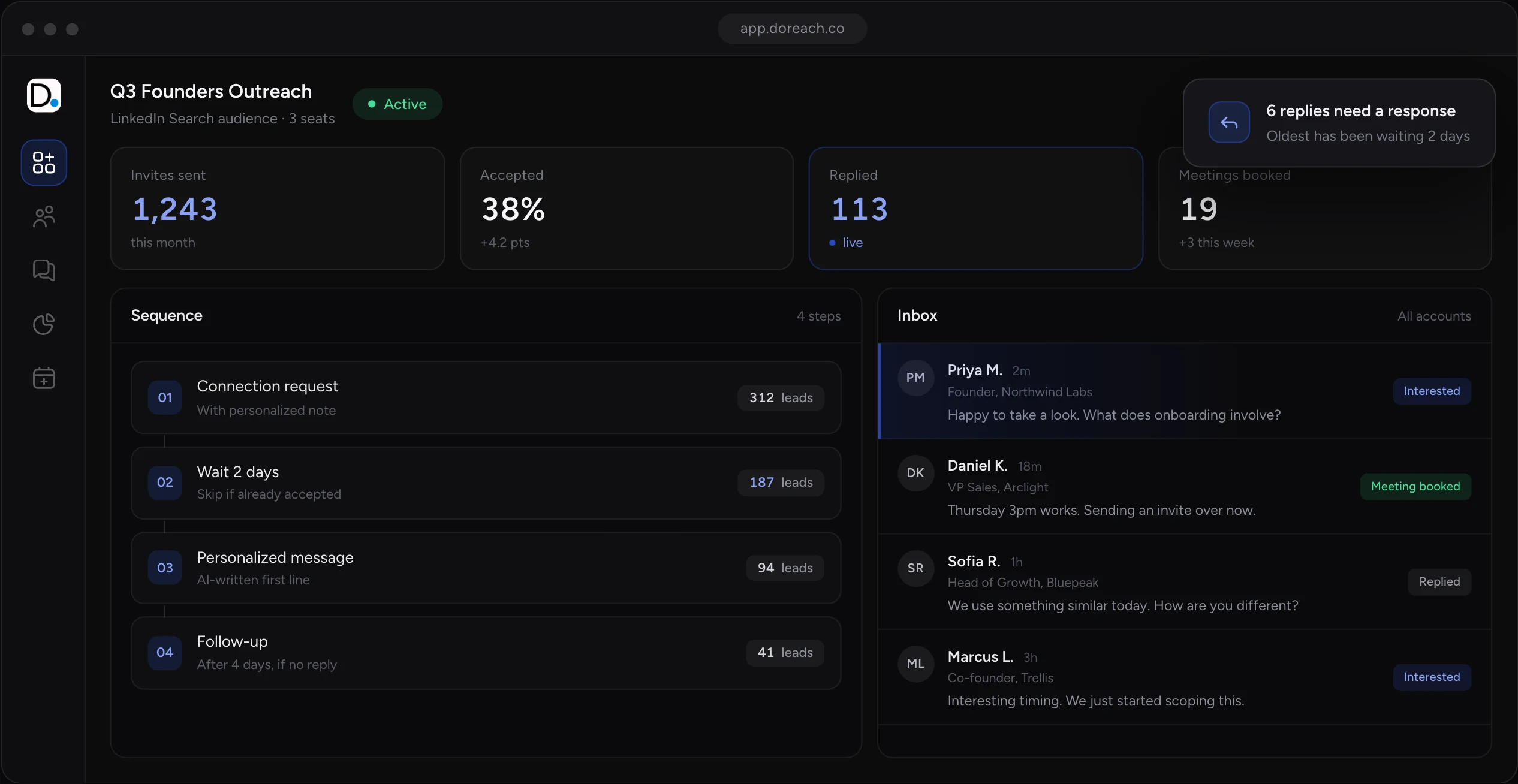
If you send connection requests through Doreach, each LinkedIn account has its own weekly connection-request limit that you can see and change, and limits and pacing lists the current defaults. That is a Doreach setting, not LinkedIn’s limit, and it does not guarantee LinkedIn will not restrict an account.
If your requests are going out but few people accept, the low acceptance rate guide covers what to check, and our connection request examples show notes that fit inside 200 characters.
LinkedIn platform details on this page were checked against LinkedIn’s Help Center on 6 November 2026. LinkedIn may change its limits without notice.